Top videos
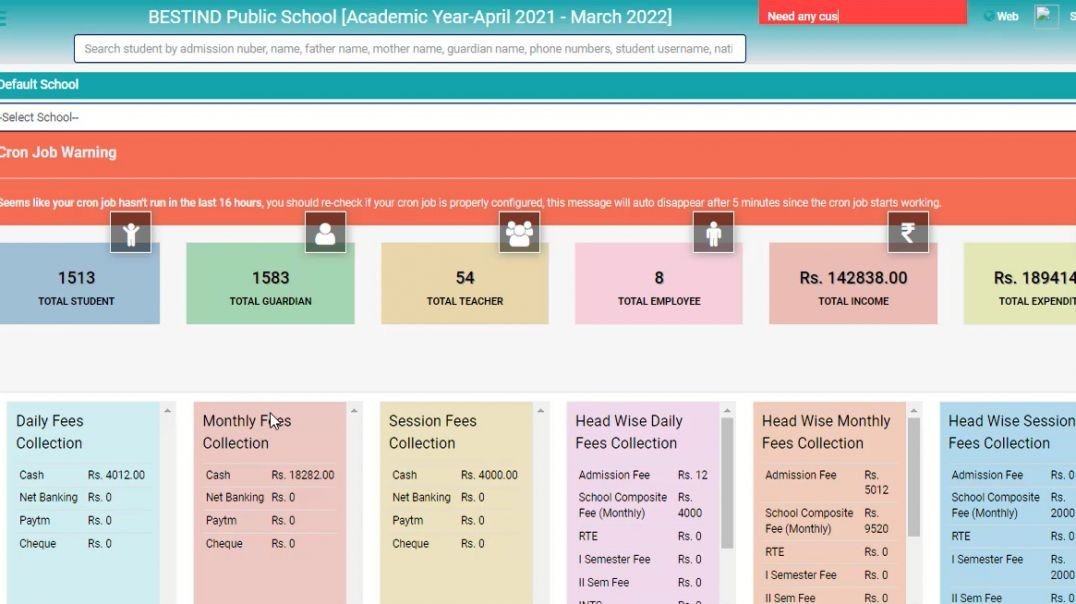
This video is showcase General Setting In Vidyalaya Prabandhan(English)
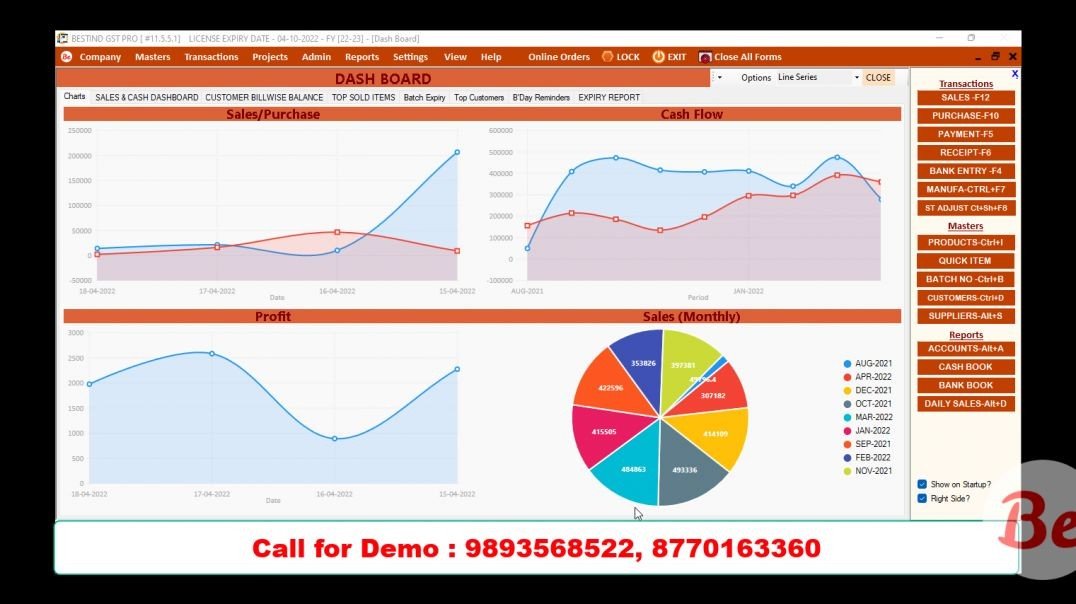
How to use Multiple Barcode for a Single Item. Use multiple barcode withoud creating new item with different quantity. i.e. - If you have created Sugar 1kg, 2 Kg or 5 kg pkts and don't want to create these items in software.
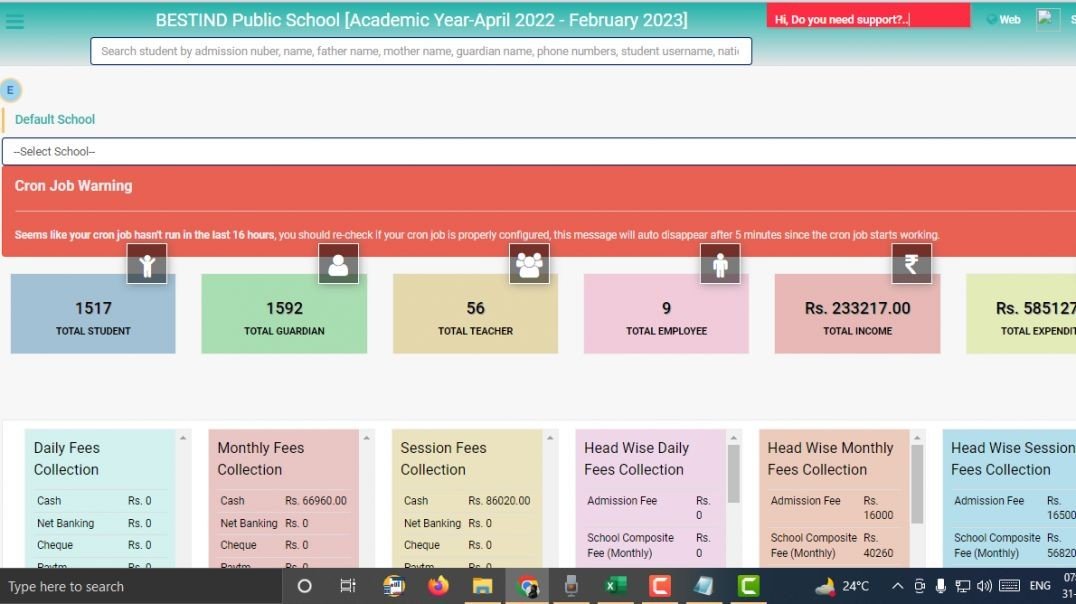
How to manage Lesson Plan in Bestind Vidhyalaya Prabandhan (English)
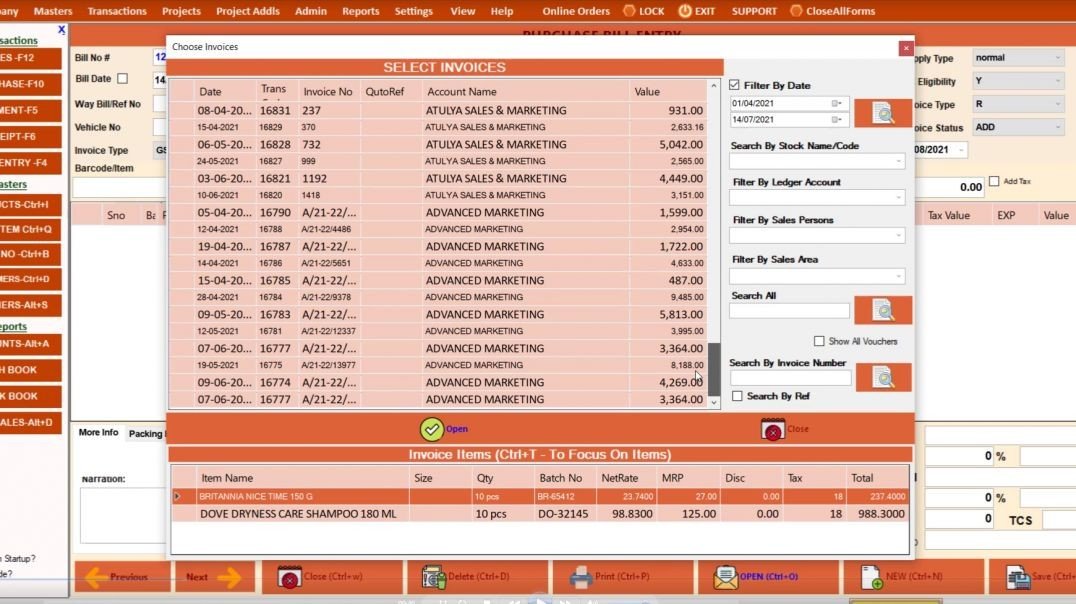
How to Open and Edit the saved Purchase Invoice
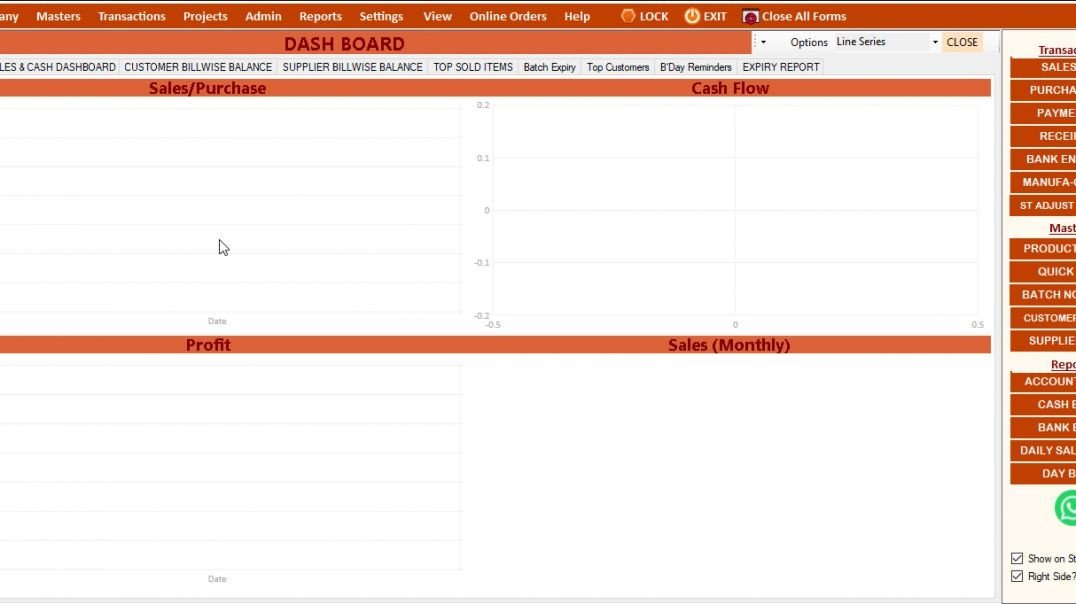
Mobile application in GST PRO
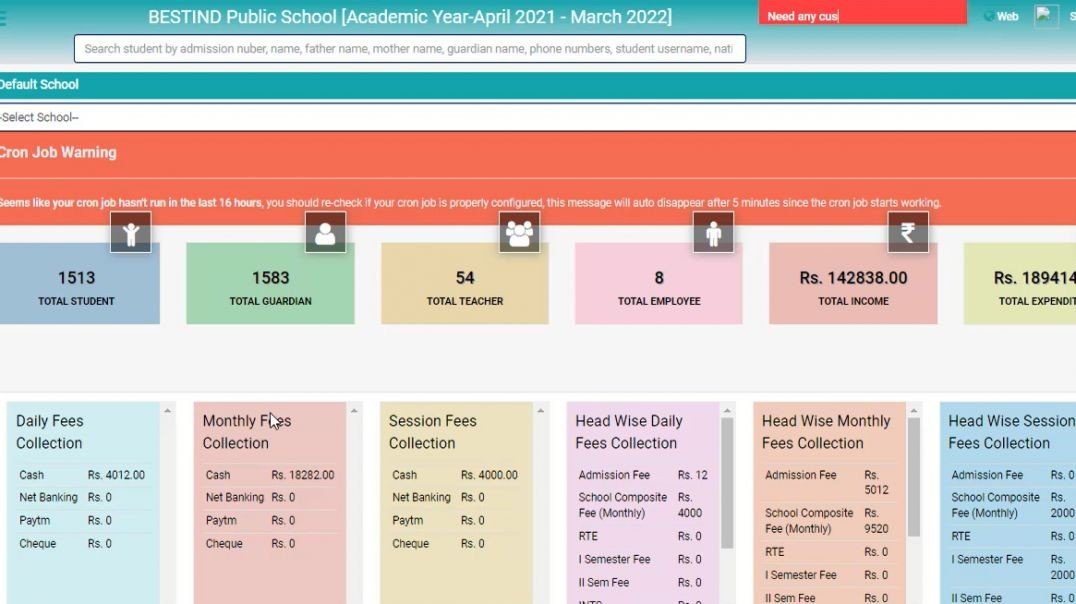
This video is showcase How To Manage(Add) School In Vidyalaya Prabandhan(Hindi)
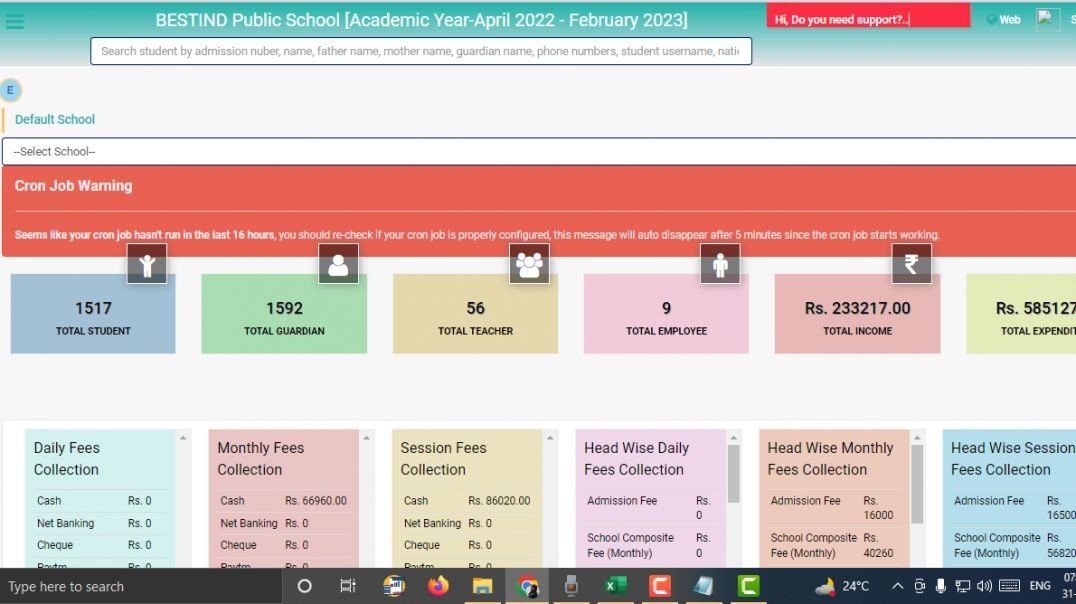
How to manage Subject in Bestind Vidhyalya Prabandhan (English)
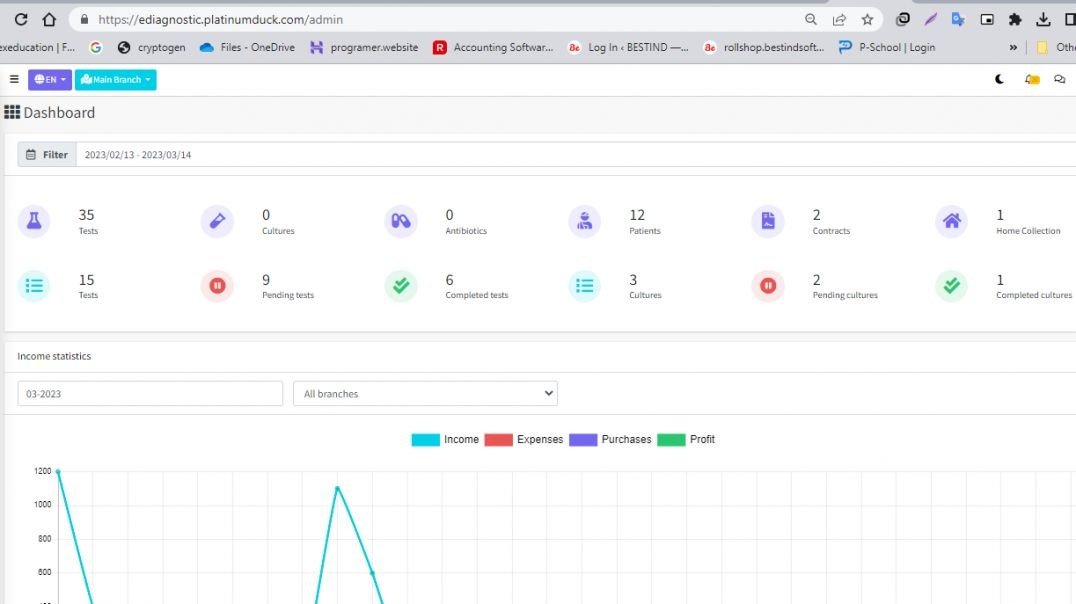
How to Manage Charges in Ediagnostics (English)
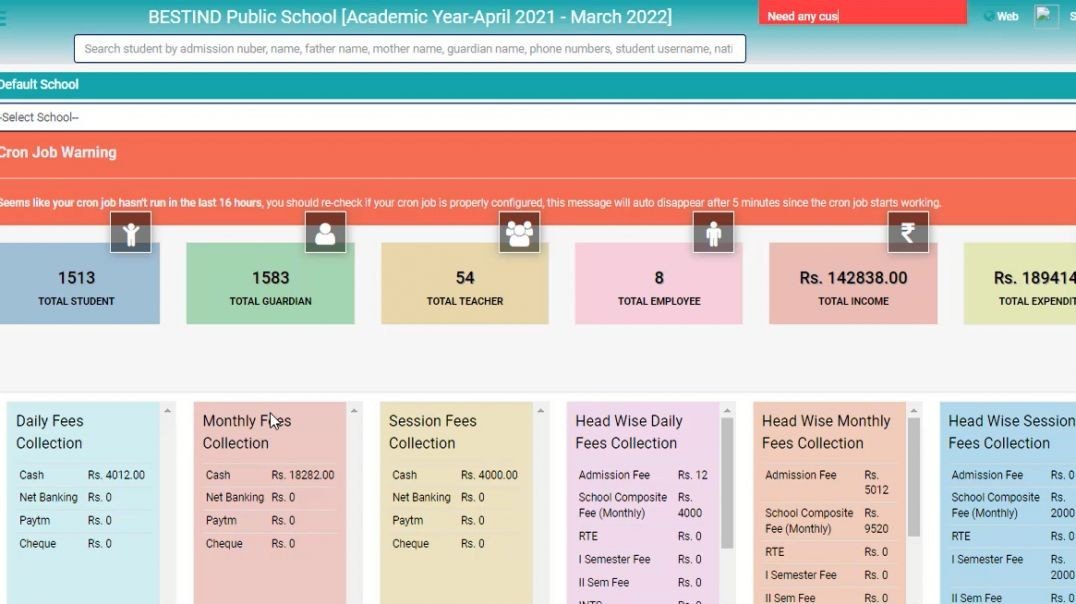
This video is showcase How To Manage Academic Year In Vidyalaya Prabandhan(Hindi)
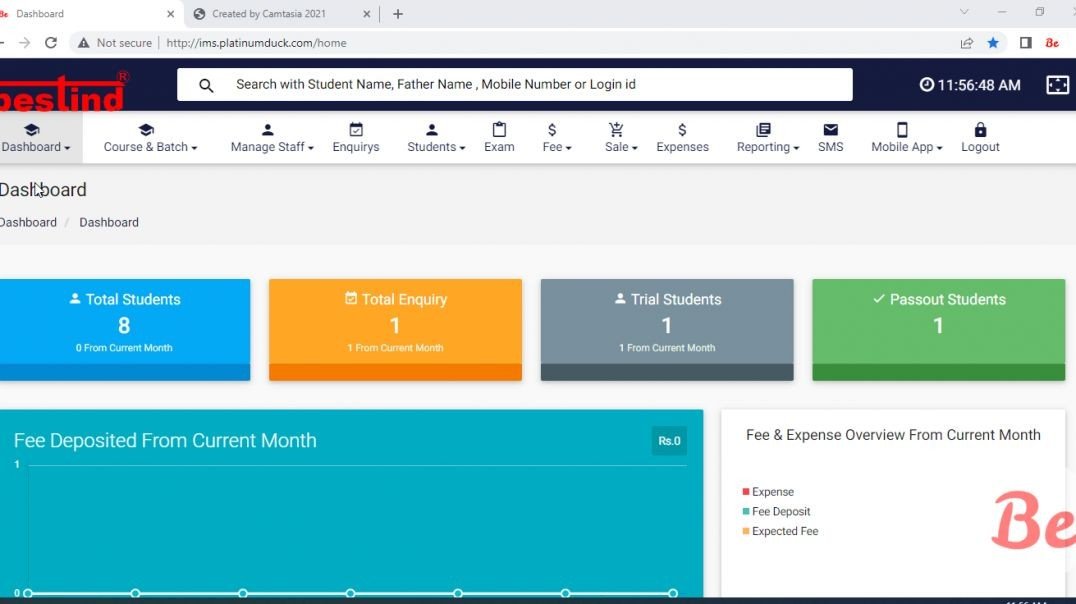
Institute Management Software Demo Videos
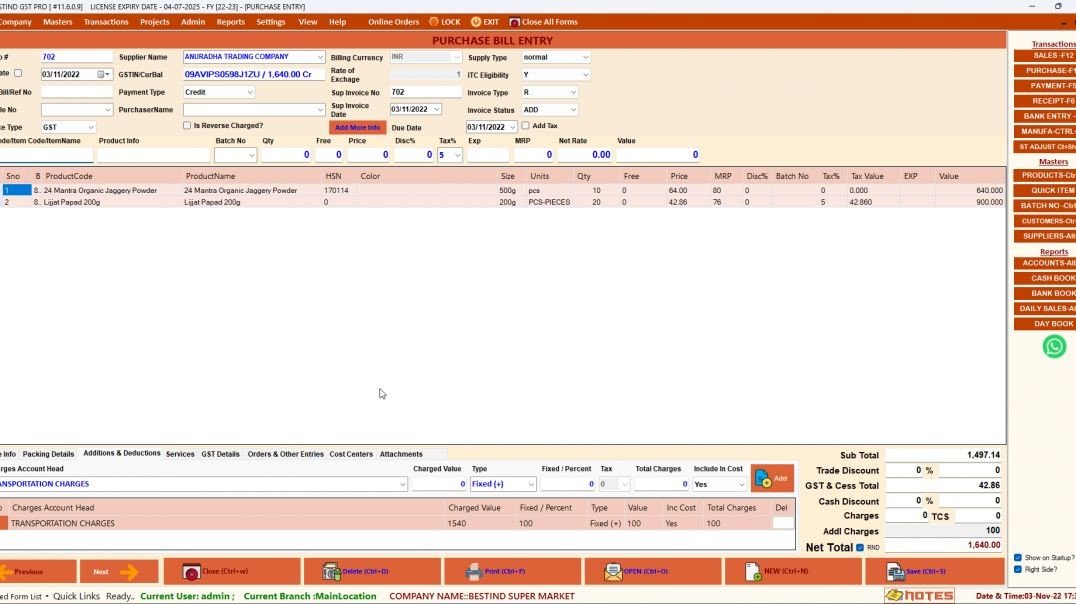
MAKING PURCHASE ENTRY IN GSTPRO ERP
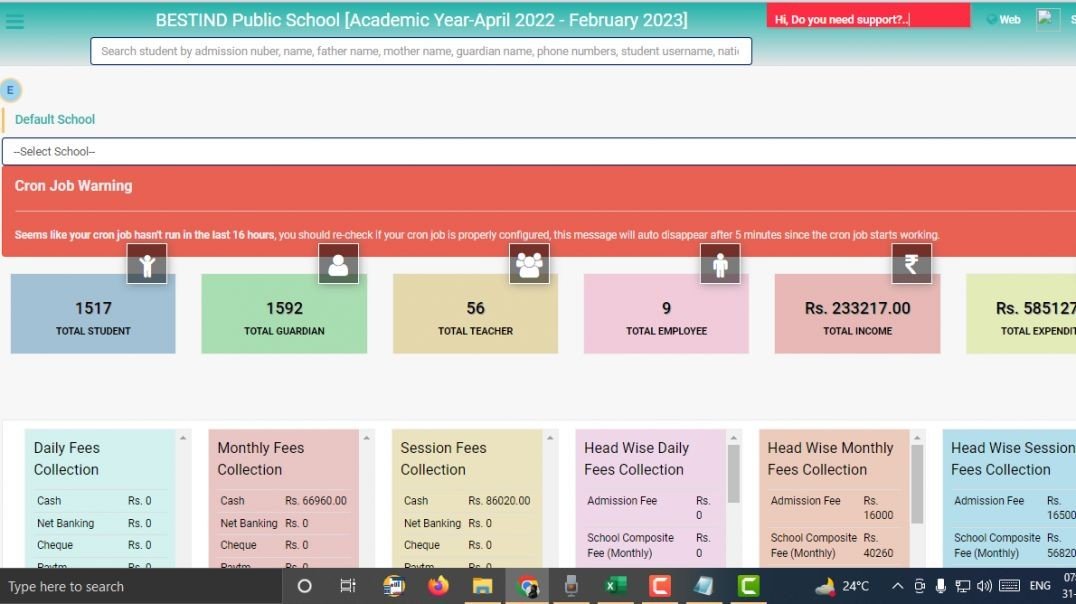
How to Create New Refund Bestind Vidyalaya Prabandhan(Hindi)
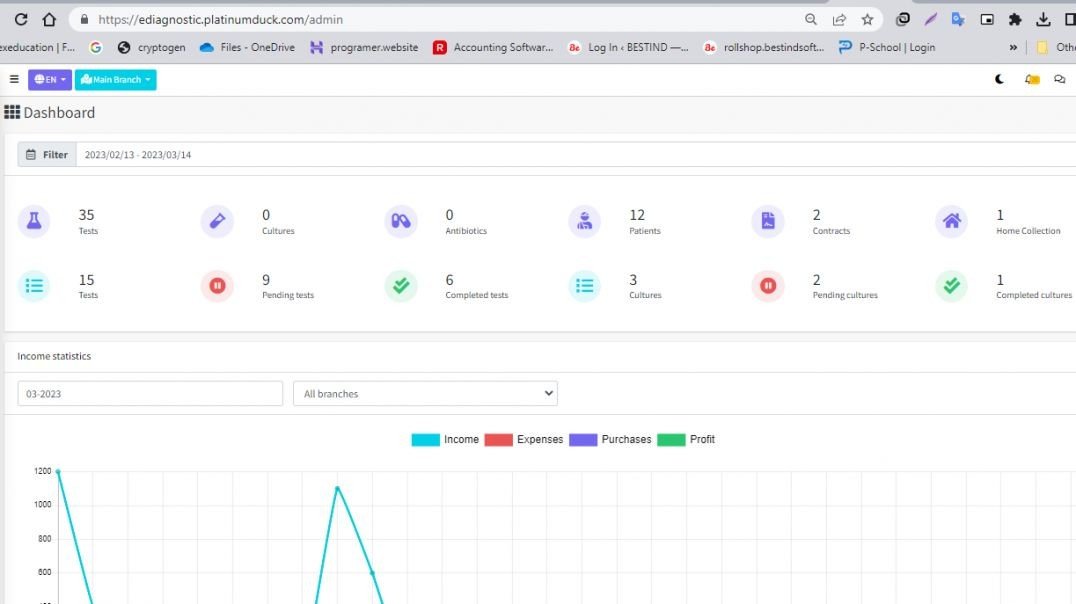
How to Create Payment Method in Ediagnostics (Hindi)
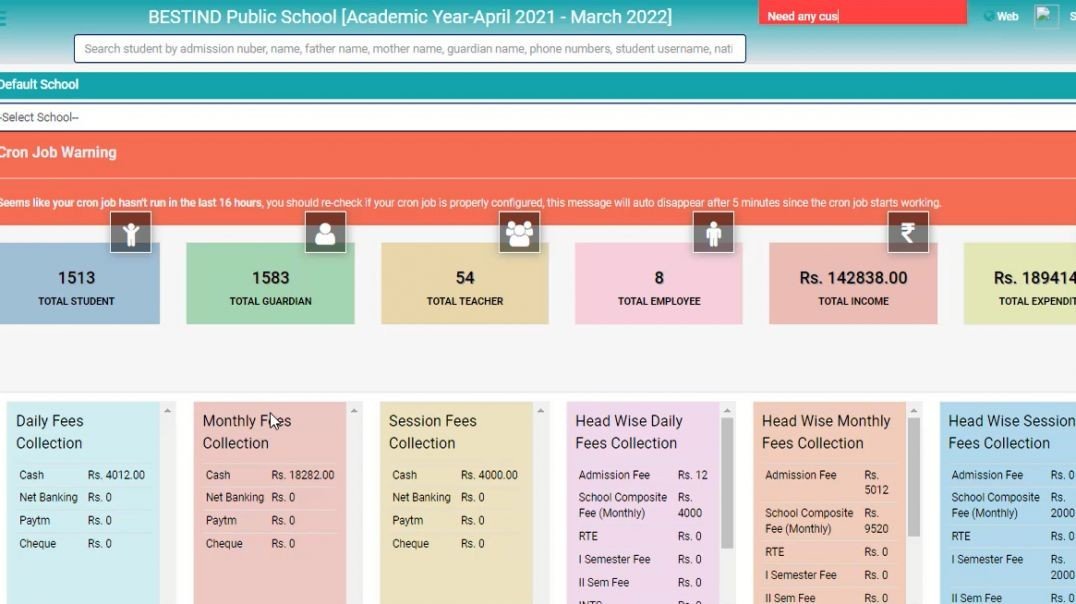
This video is showcase How To Manage User In Vidyalaya Prabandhan(Hindi)
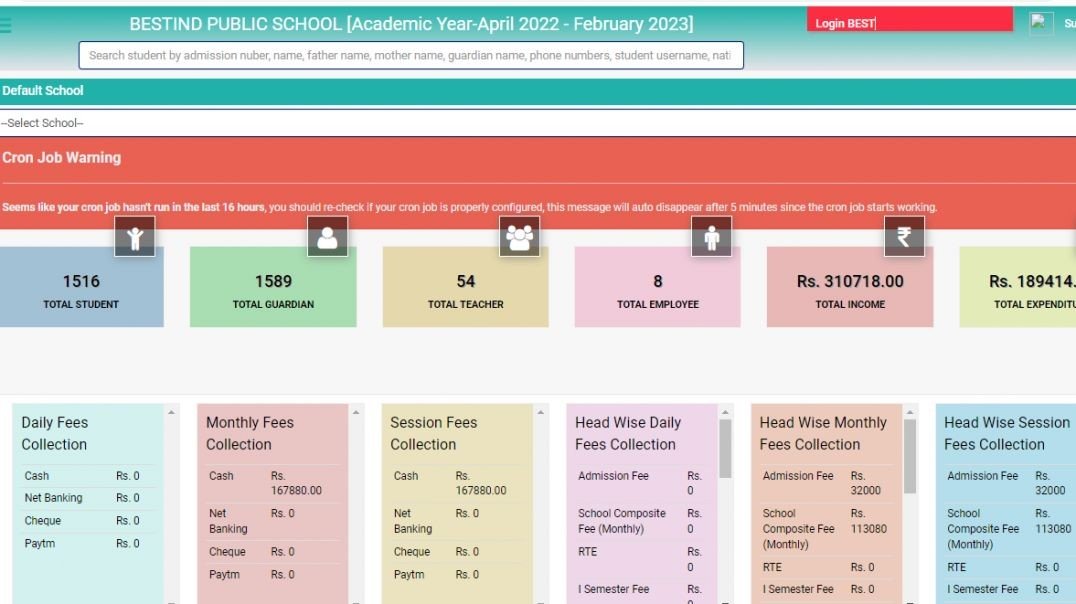
This video is showcase How To Add Contra Voucher In BESTIND Vidyalaya Prabnadhan(Hindi)
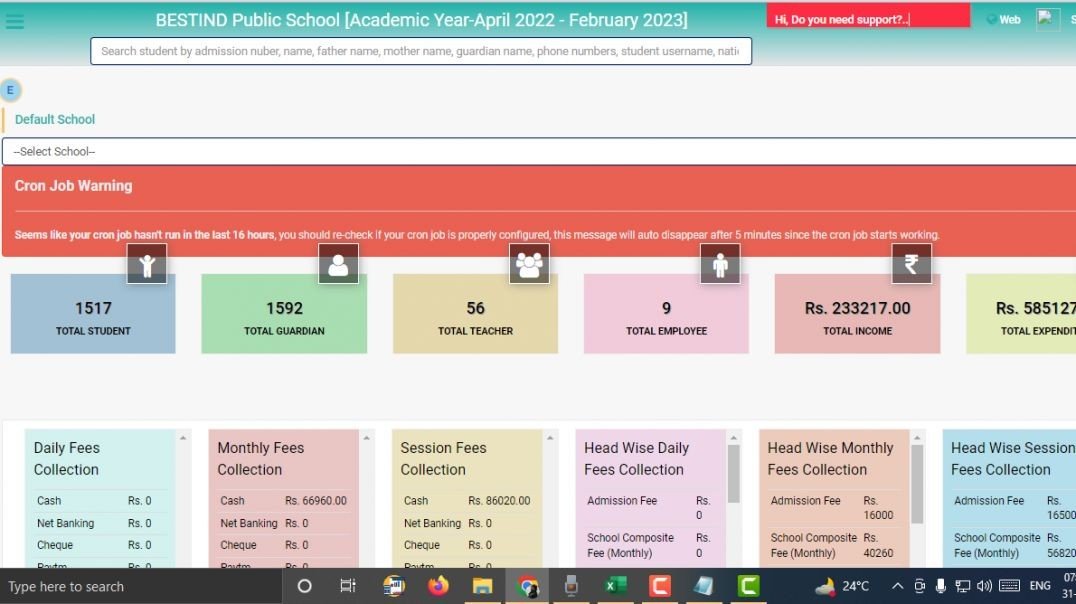
How to Generate Student Admit Card in Bestind Vidhyalaya Prabandhan (English)
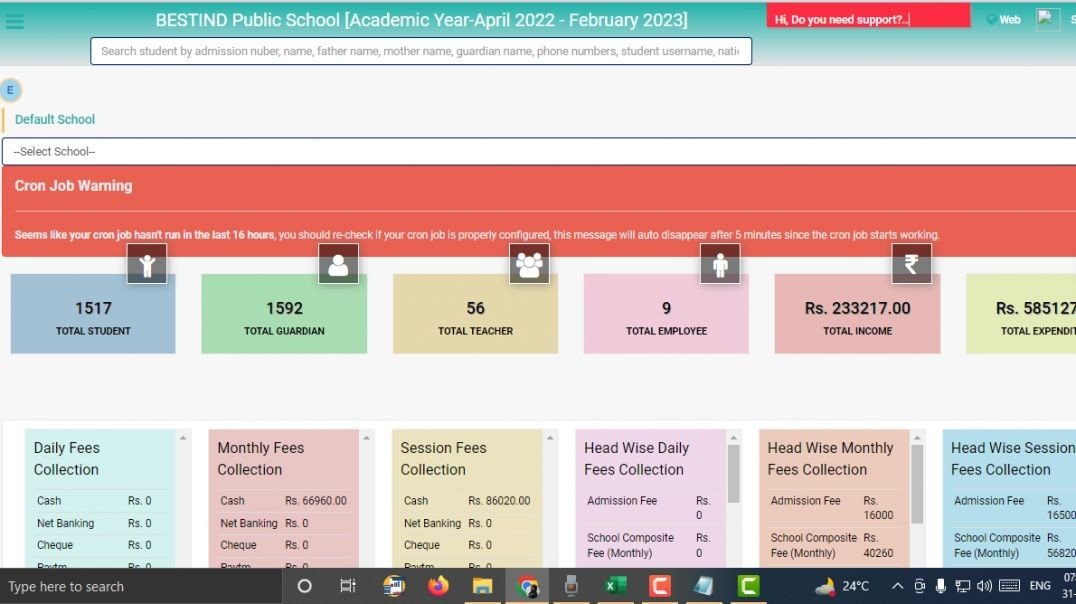
How to Manage Bulk Admission in Bestind Vidyalaya Prabandhan (English)
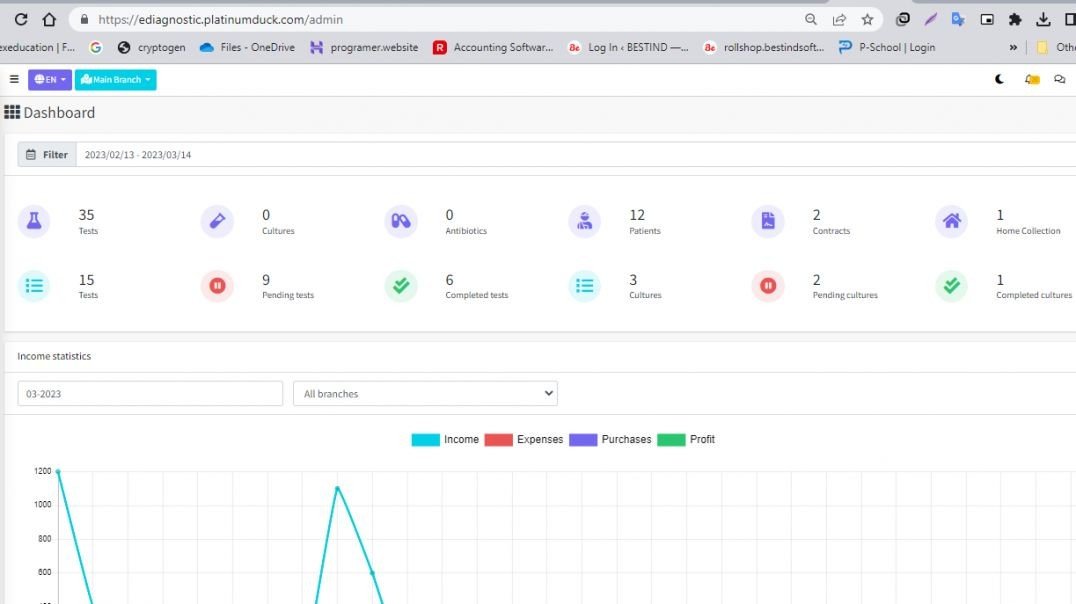
How to Manage Activity Logs in Ediagnostics (Hindi)
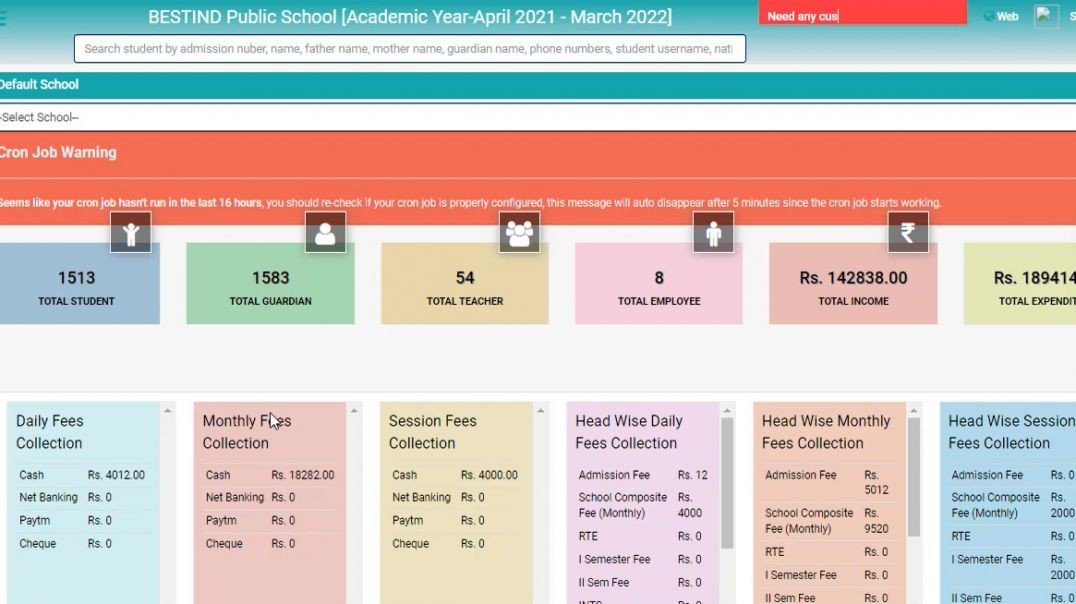
This video is showcase How To Manage User Credential In Vidyalaya Prabandhan(Hindi)
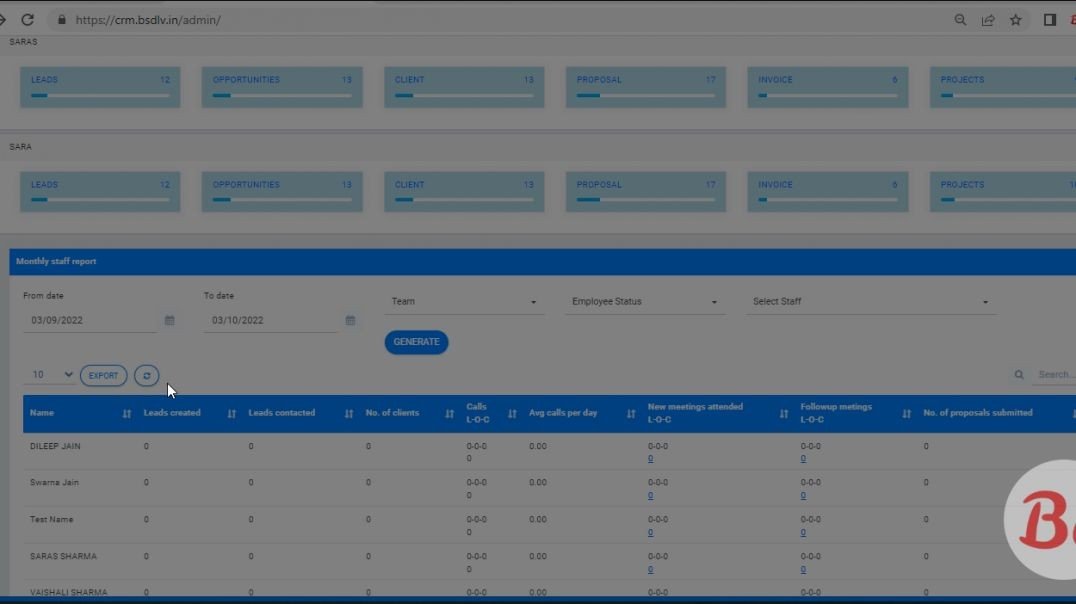
How To Manage Dwonload Exeal, View Report Video Blue CRM(Hindi)